
Choosing white fabric – The fabric matters

Whole
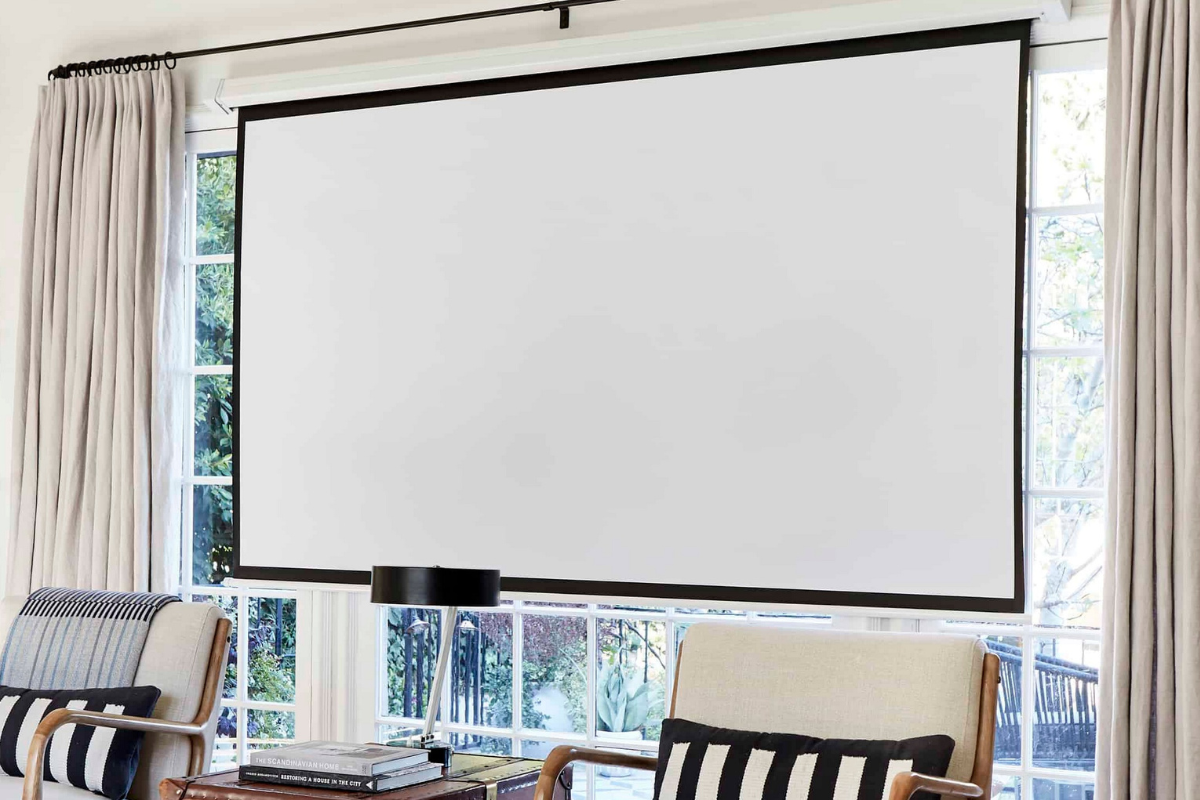
To achieve an immersive viewing experience, the image size should be large enough. According to theory, the width of the image increases significantly in terms of impact when it is at least 60 degrees from the % viewing distance. The goal is for the image to fill the viewer’s field of view by at least 30 degrees, but preferably 40–50 degrees. For example, at a viewing distance of three meters, the 60 percent rule means a picture with a width of at least 180 centimeters (300 cm × 0.6 = 180 cm). If a 40-degree field of view is desired, the width of the picture should be approximately 220 centimeters (300 cm × 0.73 = 219 cm).

It is also worth noting that when evaluating the size of a picture, we are talking about the width of the image, not the typical corner dimension of television screens. For example, the diameter of a 16:9 image with a width of 180 centimeters is approximately 82 inches, and the diameter of a 220 centimeter wide image is approximately 100 inches.
To achieve a cinema-like experience, a 80–120-inch (177–266 cm) wide picture is required in the living room, depending on the viewing distance. If possible, it is recommended to choose a larger hoop size to ensure the viewing experience is as impressive as possible.
But it is also good to note that, on the other hand, increasing the image size reduces the image’s resolution and also the light output to the fabric, because the distance from the projector to the screen increases. Sometimes a slightly smaller size may be better. Depending on the characteristics of the projector and the viewing conditions.
Jatka artikkelin lukemista
Tämä artikkeli kuuluu AVPlus Extra -sisältöön. Jatka lukemista 2 krediitillä.
Login if you have purchased
Lukuoikeus artikkeliin
Tämän artikkelin lukeminen maksaa 2 krediittiä. Lukuoikeus avaa artikkelin kokonaisuudessaan ja tallentaa sen käyttäjätilillesi. Alkaen 0,39 €Most read today
Latest
Subscribe to the newsletter
Subscribe to our newsletter and stay up to date with the latest news in technology and entertainment electronics.
Survey
Quiz
Nokia phones
Related Posts
Philips The Roller and The Tube – Moving sound with its own style
Philips The Roller and The Tube bring back the 1980s boombox spirit without cassettes or radio. It comes with Bluetooth, a battery, Auracast, and...
IN THE TEST: TCL 65C7L – Bright Mini LED with Wide Color Reproduction
TCL has invested heavily in Mini LED TVs in recent years and has also brought high brightness, rich local contrast, and comprehensive gaming features to clearly...
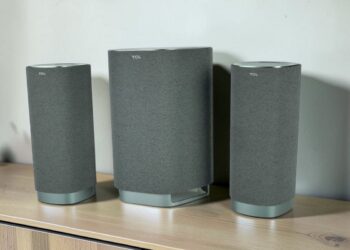
TCL Z100 and Z100-SW FlexConnect speakers – Easily almost like a real home theater
Dolby Atmos FlexConnect promises to solve one of the eternal problems of multichannel sound: the speakers don't need to be exactly in the right positions. The TCL Z100 speakers can...

IFA 2026 – these were the most interesting AV and technology innovations from Berlin
The Berlin IFA 2026 was not built around a single major announcement. TVs with RGB backlighting are making a strong entrance, soundbars are growing into full multi-channel systems, and projectors...
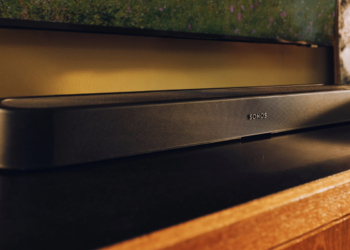
Sonos updates its audio system with three new models – Beam Ultra, Ace Ultra and Sonos 27 expand the lineup
Sonos has unveiled two new audio devices and a next-generation software platform in one go. The new products announced in early September include the compact Beam Ultra soundbar,...
Age rating labels for audiovisual content in Finland: The role of KAVIn and the PEGI labels for games
Where do age limits come from for home theater? When you choose a movie, series, or game for the TV in the living room, an age limit and content symbols often appear. They tell...
We've detected you might be speaking a different language. Do you want to change to:
 Suomi Suomi
  English
Is 1 credit used to open this article?
You have 0 credits available.